OpenECPDS Entities
Understanding some key OpenECPDS concepts will help users benefit fully from the tool's capabilities:
- data files
- data transfers
- destinations and aliases
- dissemination and acquisition hosts
A user connecting to the OpenECPDS web interface will come across each of these entities, which are related to each other through the different services.
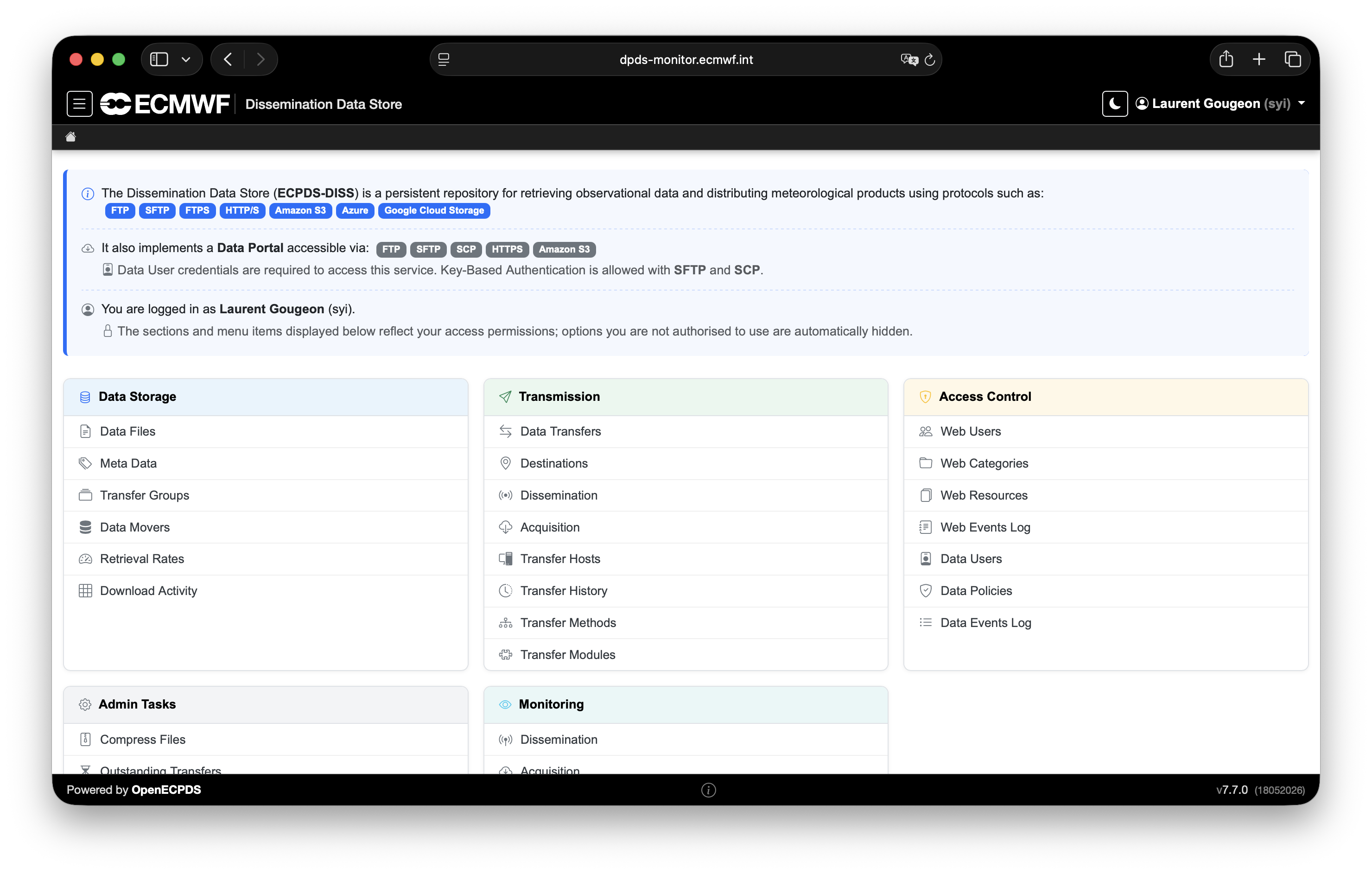
Data files and data transfers
A data file is a record of a product stored in the OpenECPDS Data Store with a one-to-one mapping between the data file and the product. The data file contains information on the physical specifications of the product, such as its size, type, compression and entity tag (ETag) in the Data Store, as well as the metadata associated with it by the data provider (e.g. meteorological parameters, name or comments concerning the product).
A data transfer is linked to a unique data file and represents a transfer request for its content, together with any related information (e.g. schedule, priority, progress, status, rate, errors, history). A single data file can be linked to several data transfers, as many remote sites might be interested in obtaining the same products from the Data Store.
The statuses a data transfer passes through are described in the Lifecycle of a Data Transfer.
Destinations and aliases
A destination should be understood as a place where data transfers are queued and processed in order to deliver data to a unique remote place — hence the name 'destination'. It specifies the information the Data Dissemination service needs to disseminate the content of a data file to a particular remote site.
A breadcrumb trail at the top of the interface shows where a user currently is in the tool. For example, a user may create a destination called EC1. Users with the right credentials can see the status of this destination and review the progress of data transmission. They can manage the destination by, for example, requesting data transfers, changing priorities, and stopping or starting data transmissions.
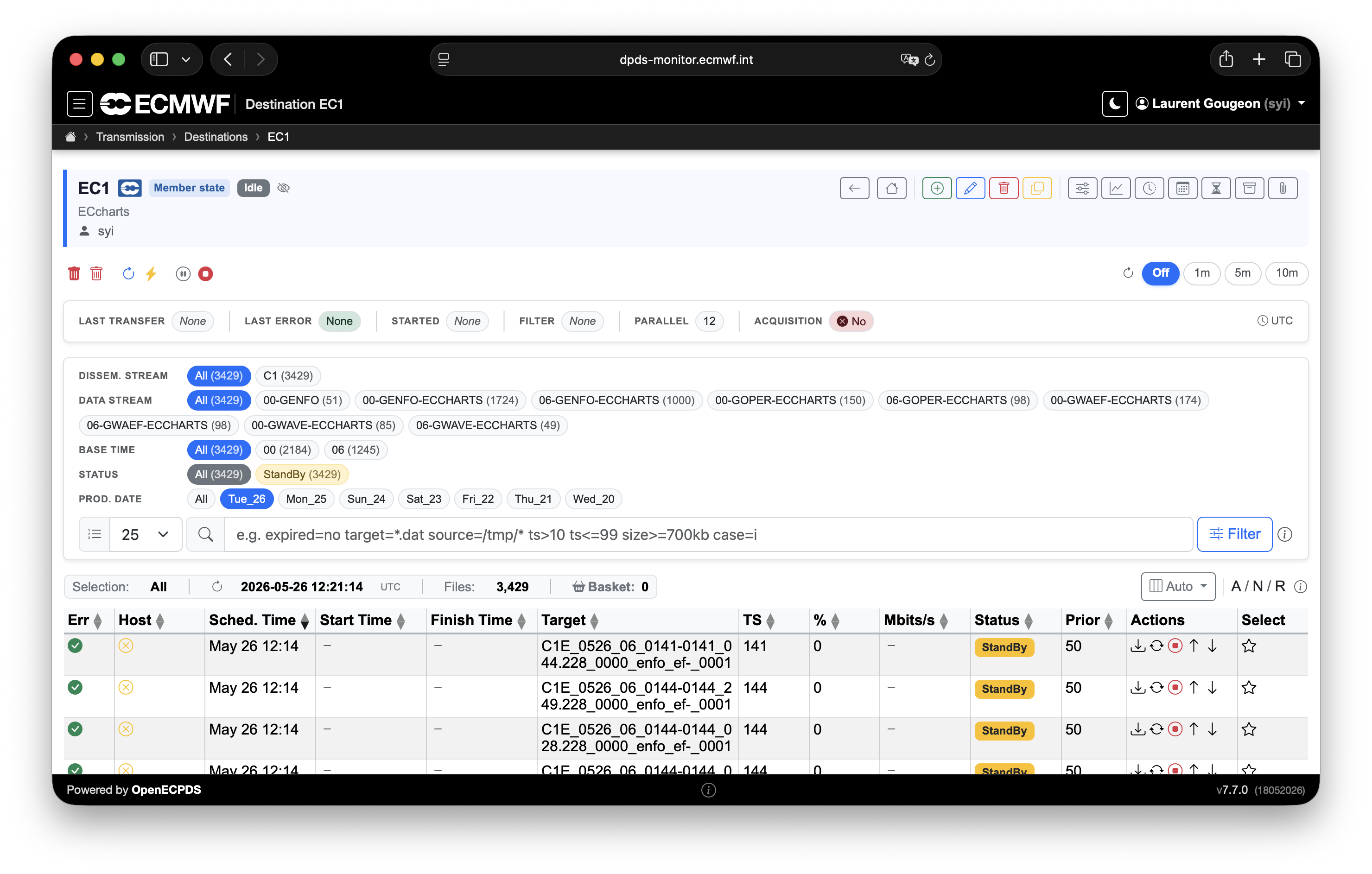
Each destination implements a transfer scheduler with its own configuration parameters, which can be fine-tuned to meet the remote site's needs. These settings make it possible to control various things, such as how to organise the data transmission by using data transfer priorities and parallel transmissions, or how to deal with transmission errors with a fully customisable retry mechanism.
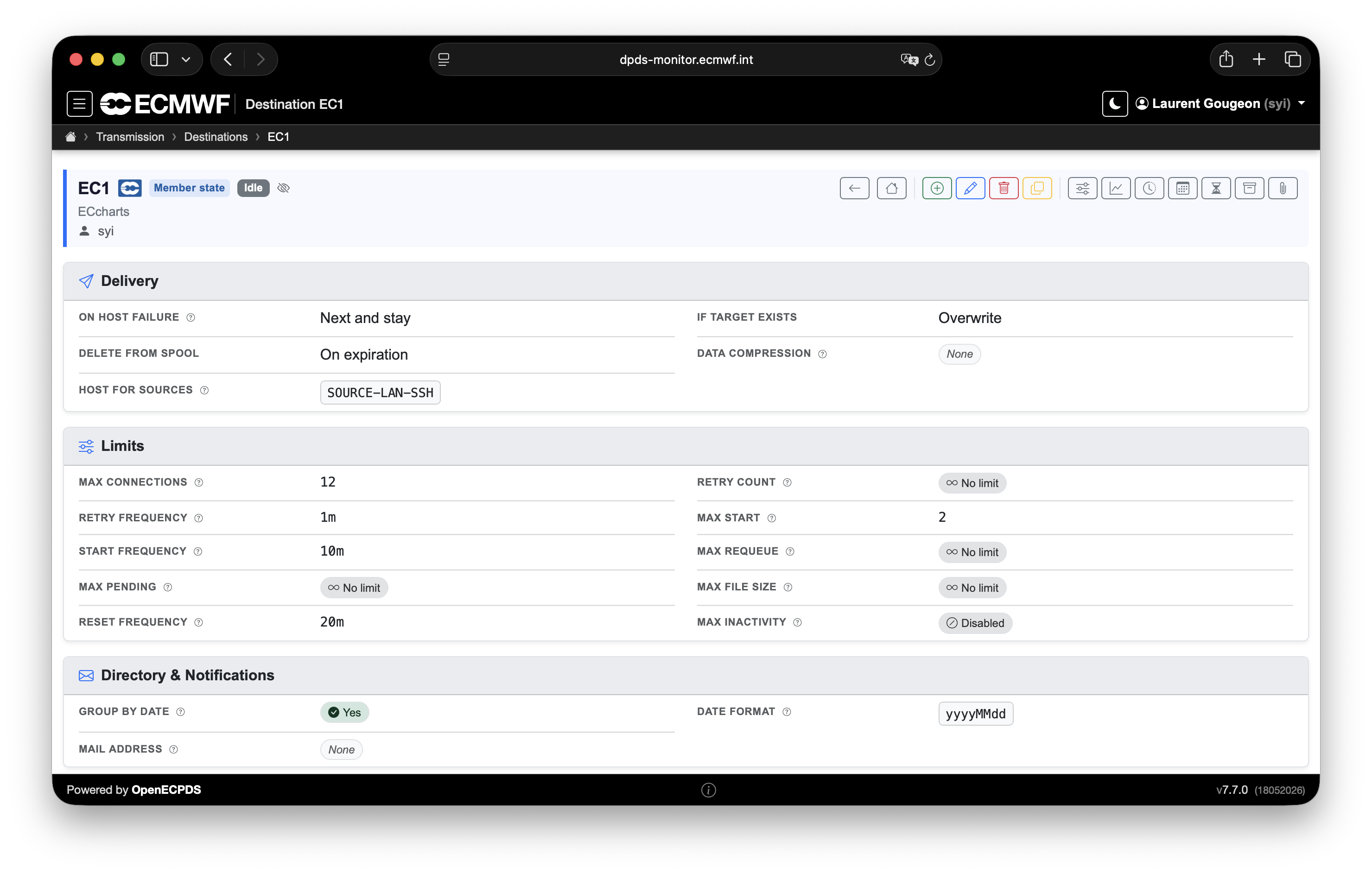
A destination can be:
- A dissemination destination — as long as at least one dissemination host is defined.
- An acquisition destination — as long as at least one acquisition host is defined.
- Both — used to automatically discover and retrieve data from one place and transmit it to another, with or without storing the data in the Data Store, depending on the destination configuration. This is a popular way of using OpenECPDS. For example, this mechanism is used for the delivery of some regional near-real-time ensemble air quality forecasts produced at ECMWF for the EU-funded Copernicus Atmospheric Monitoring Service.
If the data transfers within a destination are retrieved by remote users through the Data Portal, then there will be no dissemination hosts attached to the destination. In this particular case, the destination can be seen as a 'bucket' (in Amazon S3 terms) or a 'blob container' (in Microsoft Azure terms). The transfer scheduler will be deactivated, and the data transfers will stay idle in the queue, waiting to be picked up through the Data Portal.
Aliases
There is also the concept of destination aliases, which makes it possible to link two or more destinations together, so that whatever data transfer is queued to one destination is also queued to the others. This mechanism enables processing the same set of data transfers to different sites with different schedules and/or transfer mechanisms defined on a destination basis. Conditional aliasing is also possible in order to alias only a subset of data transfers.
Dissemination and acquisition hosts
A destination can be associated with a list of dissemination hosts, with a primary host indicating the main target system where to deliver the data, and a list of fall-back hosts to switch to if for some reason the primary host is unavailable (see Failover Mechanism).
A dissemination host is used to connect and transmit the content of a data file to a target system. It enables users to configure various aspects of the data transmission, including which network and transfer protocol to use, in which target directory to place the data, which passwords, keys or certificates to use to connect to the remote system, and more.
A destination can also be associated with a list of acquisition hosts, indicating the source systems where to discover and retrieve files from remote sites. Like their dissemination counterparts, the acquisition hosts contain all the information required to connect to the remote site, including which network, transfer protocol, source directory and credentials to use for the connection. In addition, the acquisition host also contains the information required to select the files at the source. Complex rules can be defined for each source directory, type, name, timestamp and protocol, to name just a few options. See Acquisition Directory.
Transfer Methods
A host references a Transfer Method, which determines the transfer module (protocol implementation) used for the connection — for example FTP, SFTP, FTPS, HTTP/S, WebDAV, Amazon S3, Azure or Google Cloud Storage. The selected module exposes a set of configuration options that fine-tune the connection. See the Transfer Modules reference and Protocols & Connections.
The Directory field of a host controls where on the remote system data is read from or written to. Its behaviour is host-type-specific — see Host Directory Field.