First Run
After building OpenECPDS, you can start the services, access the interfaces, and check the containers and logs.
Starting OpenECPDS
To start the application:
This starts the OpenECPDS master, monitor, mover, and database services.
It might take a few seconds for all the services to start. Once they are up, you can access the following URLs (update them if you changed the configuration in the compose files):
Warning
Certificate validation should be disabled when relevant, as the test environment uses a self-signed certificate.
| Interface | URL | Login Details |
|---|---|---|
| Monitoring | https://127.0.0.1:3443 | admin/admin2021 |
| Data Portal | https://127.0.0.1:4443 | test/test2021 |
| ftp://127.0.0.1:4021 | test/test2021 | |
| MQTT Broker | mqtt://127.0.0.1:4883 | test/test2021 |
| Virtual FTP Server | ftp://127.0.0.1:2021 | admin/admin2021 |
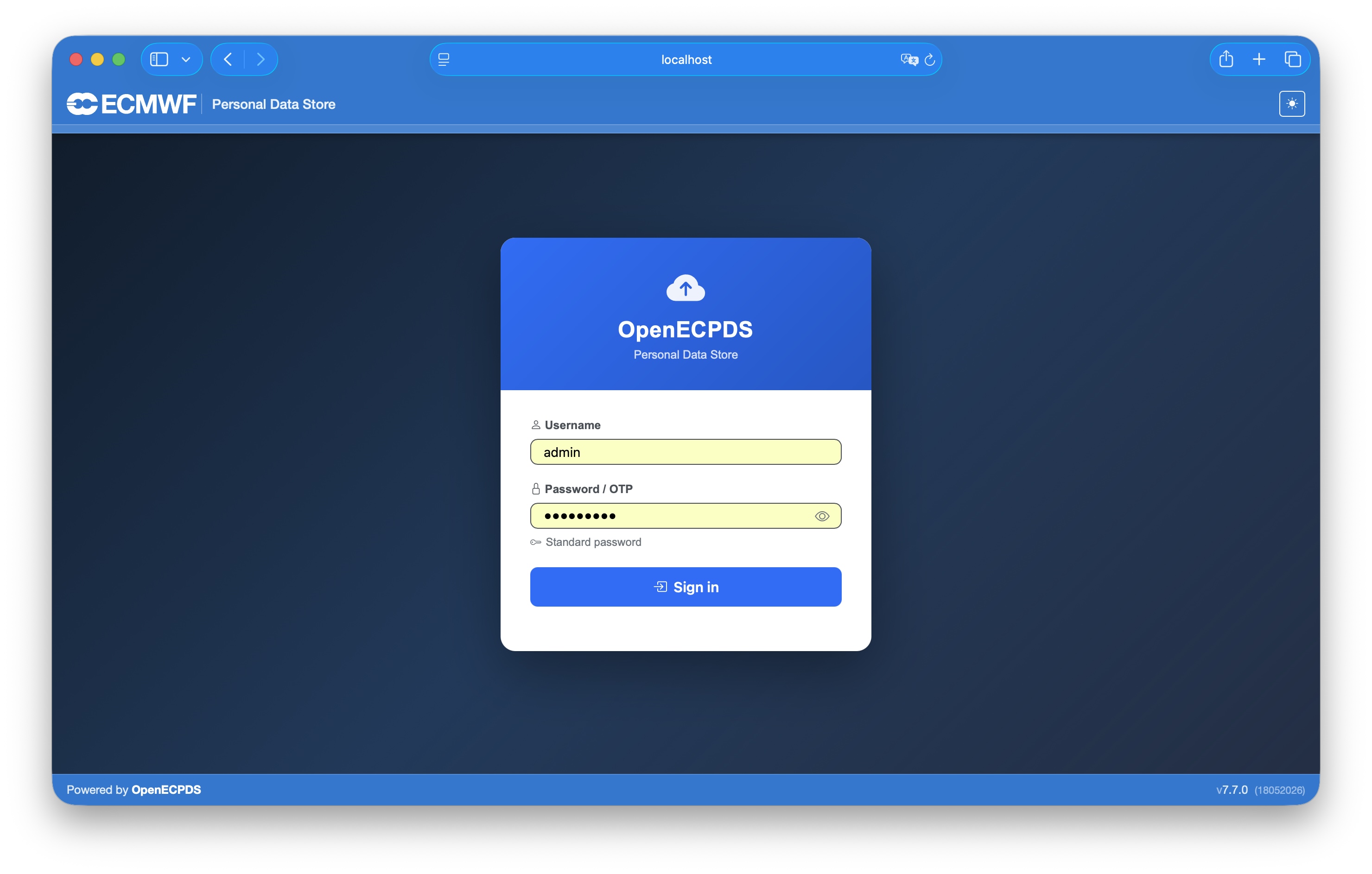
The Monitoring interface is available on port 3443 and presents a login screen prior to authentication.
Checking the containers and logs
To verify that the containers are running:
To view the standard output (stdout) and standard error (stderr) streams generated by the containers:
To view the logs generated by OpenECPDS, browse the following directories mounted to the containers:
For details on the structured events written to these logs, see Event Logging.
Additional Makefile options
To log in to the database:
To log in to the master container (use the same for monitor, mover, and database):
Stopping OpenECPDS
To stop the application:
To clean the logs and data:
Next steps
- Explore the Architecture Overview.
- Learn the Key Concepts.
- Try a Use Case workflow.
- Publish images with the Release guide.