Users & Access Control
OpenECPDS has two distinct user types:
- Data Users (
IncomingUser) — external users who access data through the Data Portal - Web Users — operators and administrators who access the monitoring interface
Access is further controlled by Categories, Policies, and Resources.
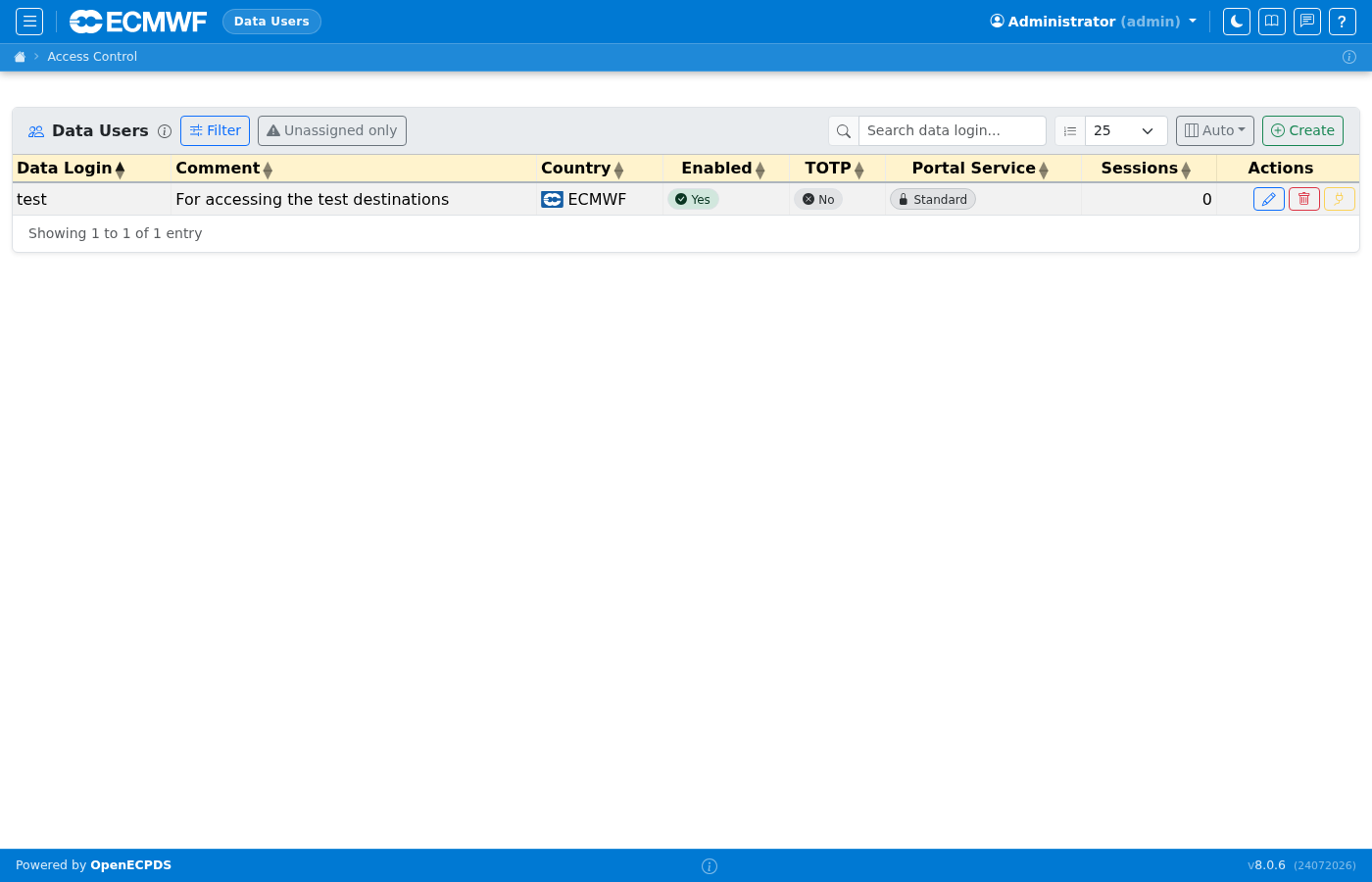
Data Users
Lists all Data Portal users. Each user has a login, associated destinations (their accessible data), a portal service mode (Standard Login, Open Access, or Self-Service Registration), and optional quotas and geo-blocking rules. Click a user to edit their properties and destination associations.
The Filter → Live session protocol selector shows only users with at least one current FTP, SFTP, HTTPS/Data Portal, MQTT/MQTTS, WebDAV or S3 session matching the selection. It combines with the other filters and is preserved in the page URL. It checks current connections, not connection history, subscriptions or protocol permissions. Any imposes no session requirement. Session counts still include all protocols; reload the list to refresh the session snapshot.
Data User Detail
The detail page shows the user's current portal settings, associated destinations, connection history, and subscriber list (for MQTT notification subscriptions). The Properties editor accepts portal.* options to configure quotas, CORS, branding, and path permissions.
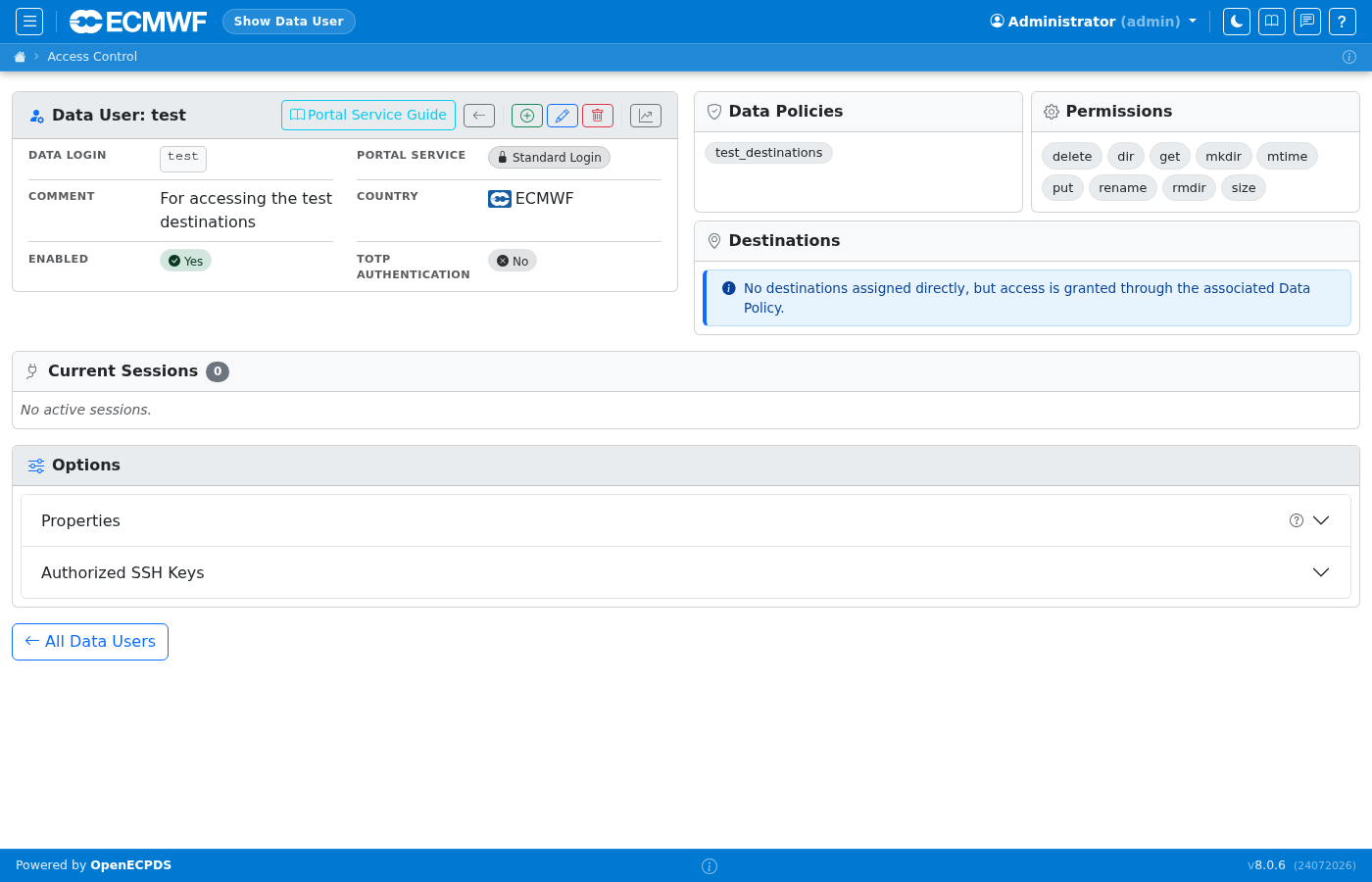
Current Sessions
The Data User detail page includes a Current Sessions table showing all live portal connections for that user, updated each time the page is loaded.
| Column | Description |
|---|---|
| Session ID | Internal session identifier |
| Protocol | Connection protocol: https, sftp, ftp, mqtt, webdav, etc. |
| Remote IP | Client IP address |
| Data Mover | Which Data Mover is serving the session |
| Start Time | When the session was opened (UTC) |
| Duration | Time elapsed since the session started |
| Downloads | Active and total download stream counts in active/total format (e.g. 1/5). The active count is shown in blue when non-zero. Only tracked for HTTPS sessions. |
| Uploads | Active and total upload stream counts (same format). Only tracked for HTTPS sessions. |
| Bytes In | Accumulated bytes received from the client (uploads) |
| Bytes Out | Accumulated bytes sent to the client (downloads) |
| Action | Disconnect button (for users with edit permission) |
Show Stuck filter
The Show Stuck button filters the table to show only sessions that are suspected to be stuck: HTTPS/HTTP sessions open for more than 30 seconds that have never started any transfer stream. Sessions with non-zero stream counts or non-HTTP protocols are never flagged.
Note
Bytes and stream counts are tracked for HTTPS/HTTP, SFTP, FTP, WebDAV, and S3 (incoming API) sessions. MQTT and other protocol sessions show zero.
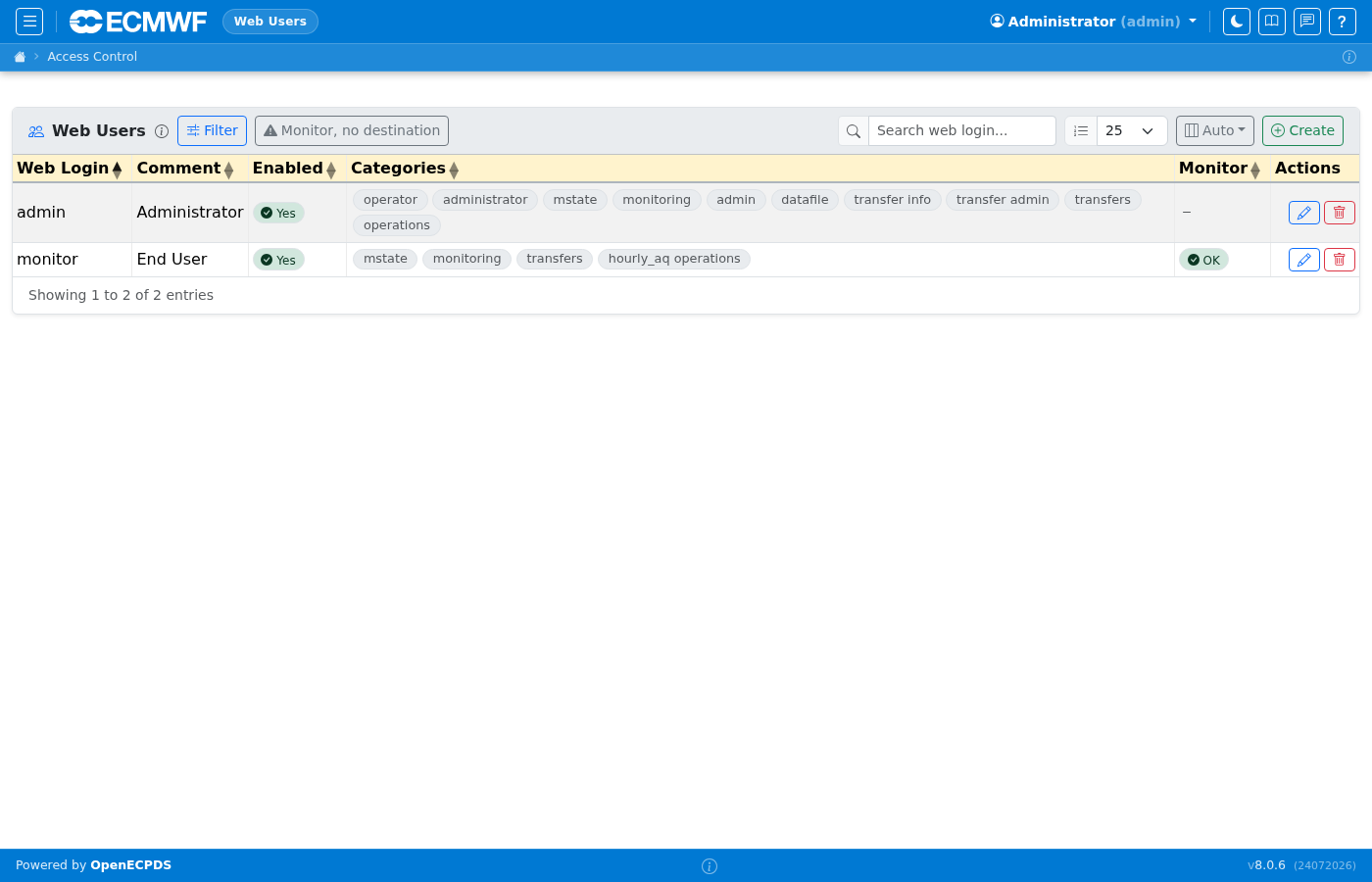
Web Users
Lists all monitoring interface users. Each user belongs to one or more categories that determine which destinations they can see and which management actions they can perform.
For a full reference including authentication options and access-control details, see Web Users.
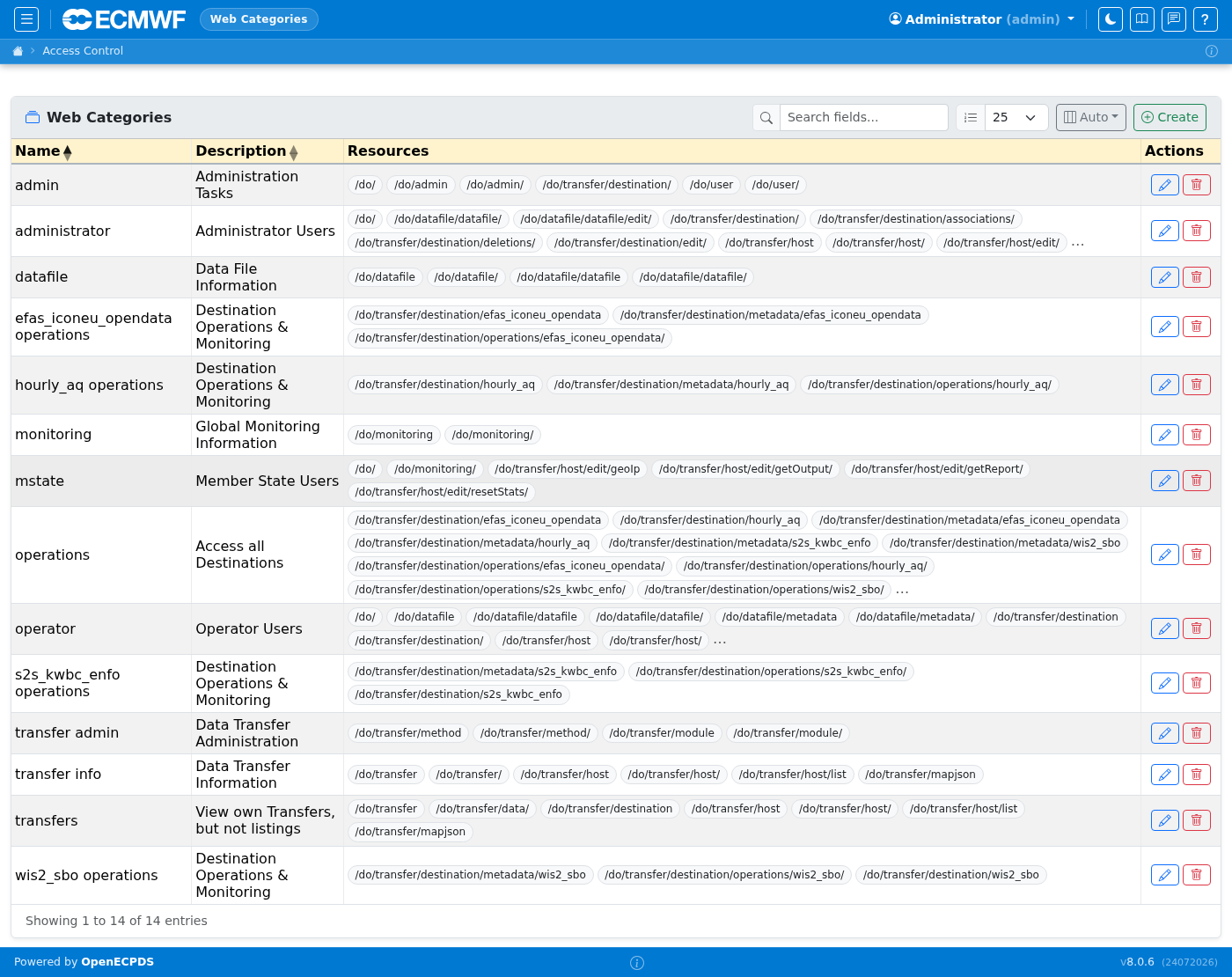
Categories
Categories are the primary access-control mechanism for Web Users. A category grants access to a set of destinations and a set of resources (URL paths). Users assigned to a category inherit all its permissions.
Policies
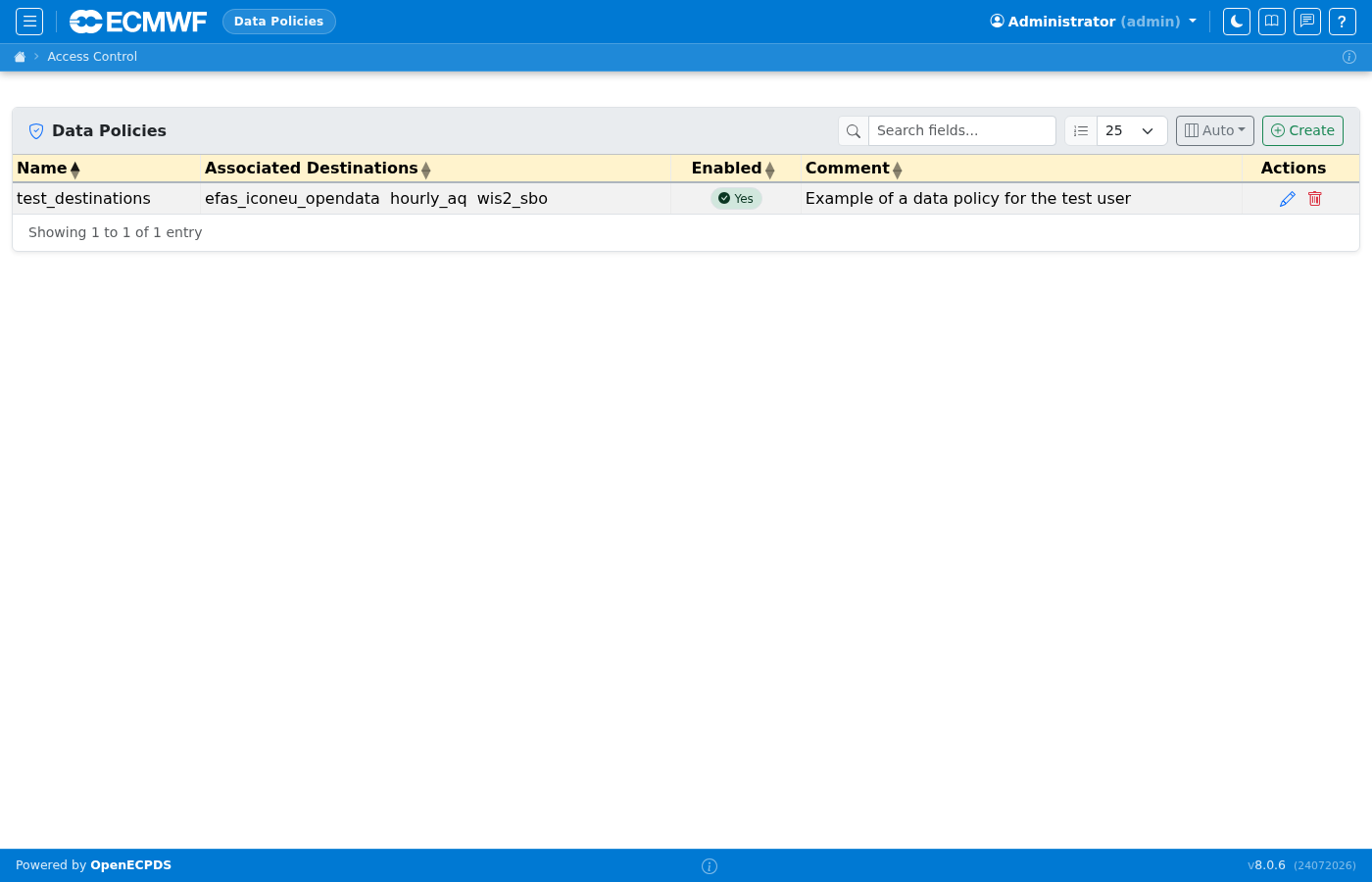
Policies group destinations for assignment to Data Portal users. Instead of assigning destinations one by one, an operator creates a policy and assigns it to a Data User.
Resources
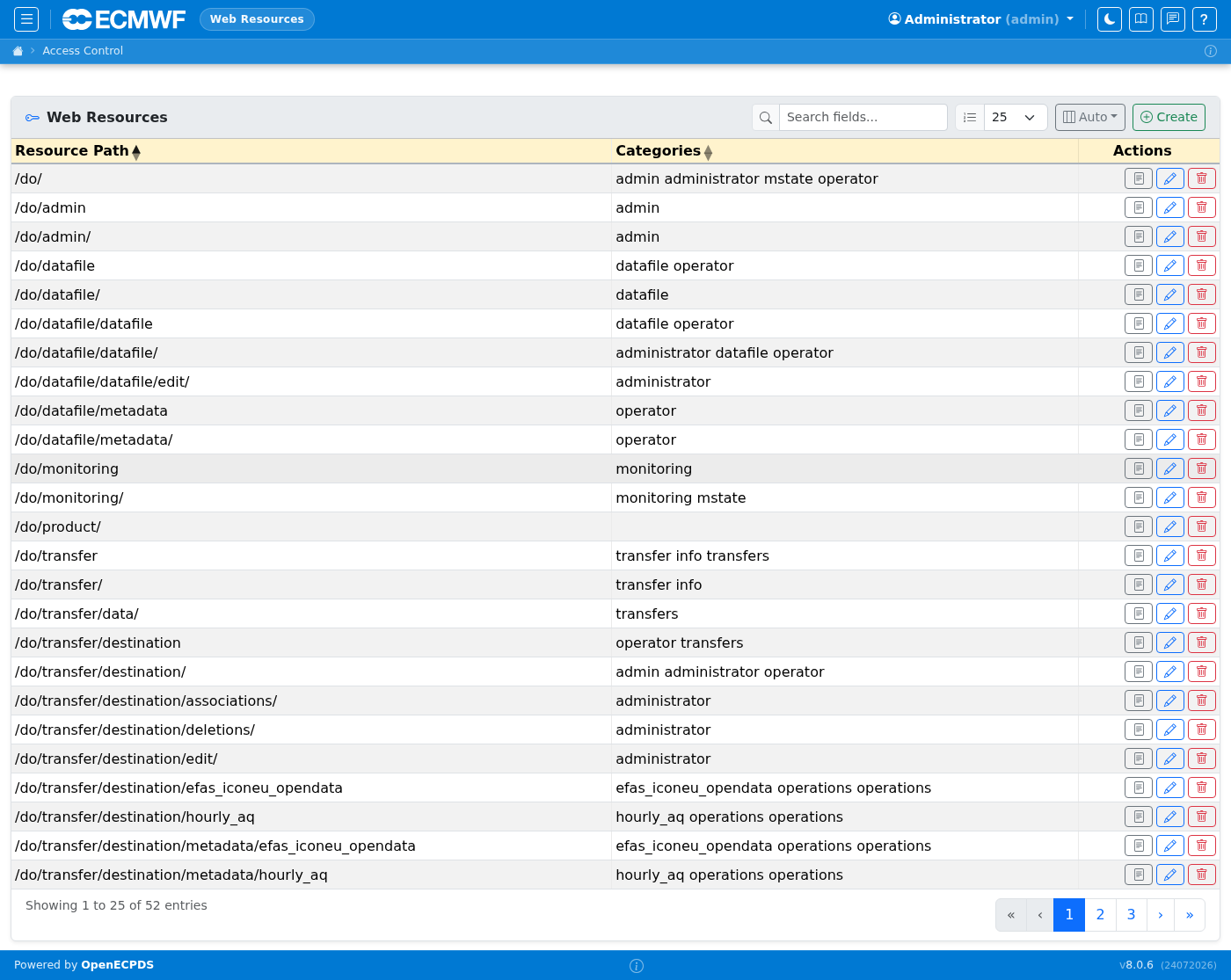
Resources map URL path patterns to access-control entries. They are assigned to categories to grant Web Users access to specific monitoring pages or management actions.
TOTP Authentication
OpenECPDS supports Time-based One-time Password (TOTP) authentication for both Web Users and Data Users, delegating credential validation to an external TOTP-compatible server (e.g. Keycloak).
- Web Users — TOTP is a global switch (
TOTP.active). When enabled, the locally stored password is ignored for all Web Users; all logins go through the TOTP endpoint. - Data Users — TOTP is controlled per-user via the TOTP Authentication toggle on the user edit page, in combination with the global
TOTP.activesetting.
OpenECPDS auto-detects whether the supplied credential is a one-time passcode (exactly 6 or 8 digits) or a password and routes to the appropriate TOTP client.
For full configuration details and a behaviour reference table, see the TOTP Authentication administration page.